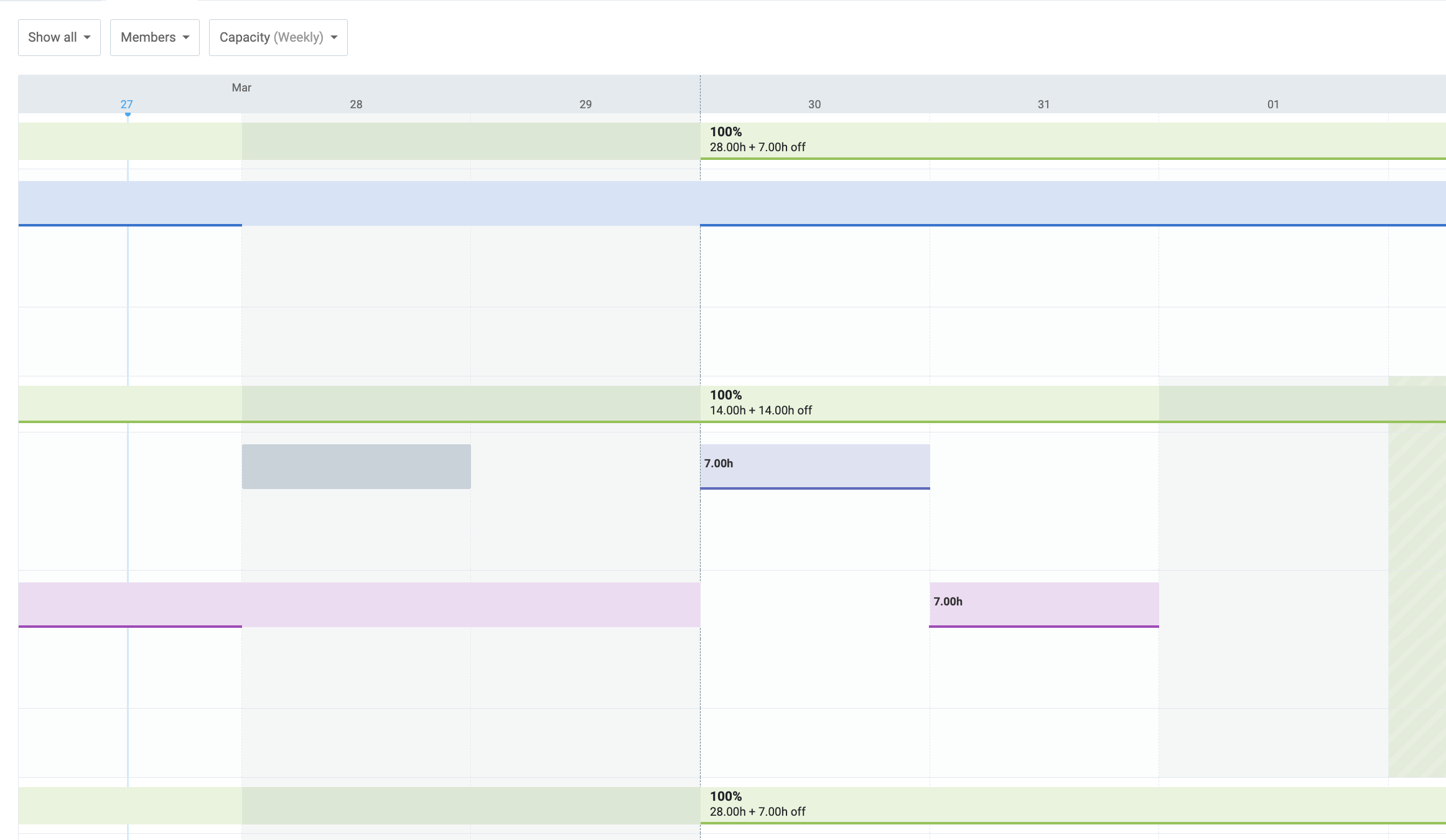
It would be great if the Project/Team member column on the left-hand side of the schedule section could be frozen, so when panning right through the timeline, the project/team member is still visible on the screen.
Currently, this column moves out of view, so you can’t actually see which project or team member the information you’re viewing is assigned to.
The above is how the time off timeline currently works, so having that in the schedule time timeline would be incredibly beneficial.
Below is a screenshot of the team timeline schedule, but the team members are not visible.
Thank you for sharing this feedback! I can see how having the freeze option for the lefthand side menu here would be a good improvement in the scheduling feature, especially if you have a large date range exceeding the current view.
I’ll make sure to pass this on to my team as a feature suggestion so they can have it in mind when looking for features to improve.
Although we cannot give you an ETA or a promise that this feature will be developed, rest assured that this request will be thoroughly reviewed by our Product team for future consideration.